7 Steps to Verify Photography Print Quality Before You Buy
Editorial Team · October 28, 2026
Last Updated: October 28, 2026
Quick Summary
To verify photography print quality, ask the seller for the file's pixel dimensions and divide the pixel width by the print width in inches, targeting 300 dpi for prints viewed up close. Then inspect the image at 100% zoom and confirm the paper, ink, color gamut, and archival rating are named in the listing.
- WhiteWall's print resolution guide sets 300 dpi as the target for images viewed up close.
- A 3000-pixel-wide file prints sharp at 10 inches wide but drops to 150 dpi at 20 inches.
- Frameology recommends viewing the image at 100% zoom to judge true sharpness.
- AGFA Photo lists file resolution, ink choice, paper quality, color gamut, and pre-print preparation as the five quality factors.
- Turn your screen down to about half brightness before judging color, since phone displays run brighter than paper reflects.
Table of Contents
- Why Print Quality Checks Matter When Buying Photography Online
- How to Check Photo Resolution for Printing
- Your Photo Print Quality Checklist
- How to Evaluate Photography Prints Online
- Test Prints and Photo Proofing: The Safest Way to Confirm Quality
- Common Mistakes That Lead to Disappointing Prints
- Choosing Your Landscape or Disney Print with Confidence
- Frequently Asked Questions
Why Print Quality Checks Matter When Buying Photography Online
The U.S. photofinishing industry is expected to bring in $1.4 billion in revenue in 2026, according to IBISWorld's photofinishing industry analysis, a market that has shrunk at a 2.5% compound annual rate over the past five years.
Knowing how to verify photography print quality is the difference between wall art you keep for a decade and a package you regret opening.
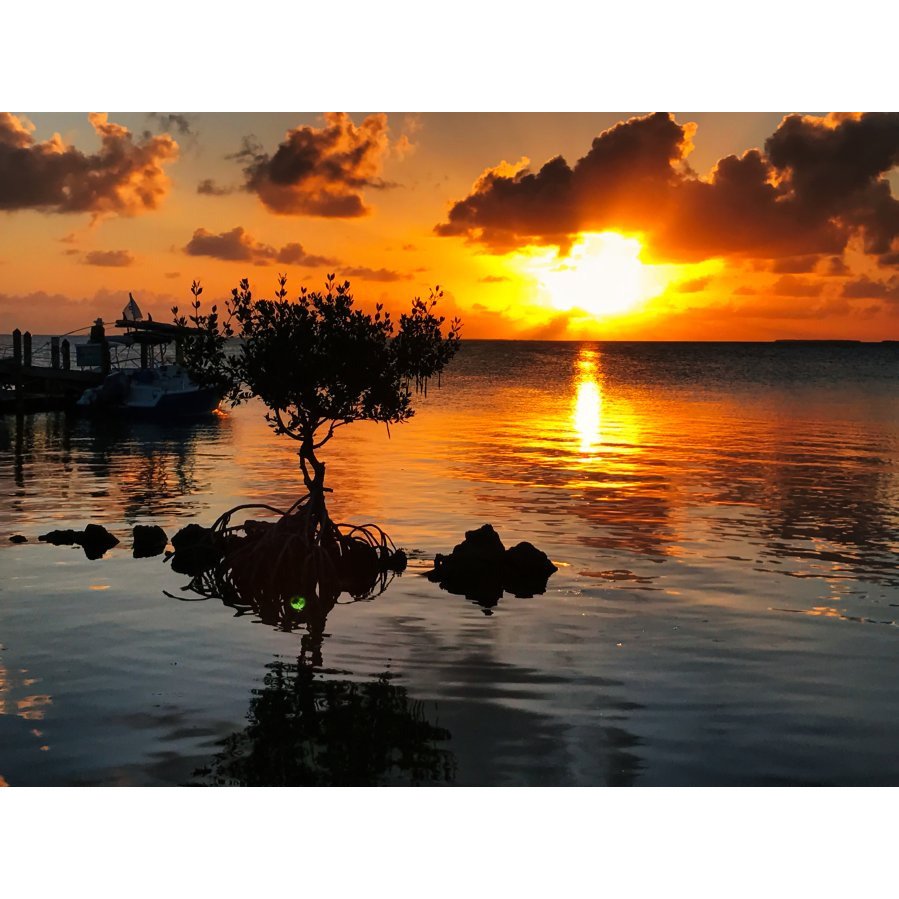
Brian Farber Photography sells landscape and theme park prints. Below, we walk through the seven checks that address the question, "Will the print match what I see on my screen?"
The core tension is simple. Your screen glows. Paper reflects. Every quality check in this guide exists to close that gap.
How to Check Photo Resolution for Printing
Photo resolution for printing is the number of pixels in an image file compared with the physical size it will be printed at. A file that looks sharp on a phone may appear less sharp when printed at 24 by 36 inches.
WhiteWall's print resolution guide sets 300 dpi as the target for images viewed up close and notes that resolution must match the intended print size. Ask the seller for pixel dimensions, not just a file size in megabytes.
Matching Pixel Dimensions to Print Size
Do the math before you buy. Divide the image's pixel width by the print's width in inches.
- A 3000-pixel-wide file prints sharp at 10 inches wide (300 dpi)
- The same file at 20 inches wide drops to 150 dpi
- At 30 inches wide it hits 100 dpi, where softness starts to show
Viewing distance and print size are relevant when assessing resolution.
The 100% Zoom Sharpness Test
Frameology's guide to evaluating online photo prints recommends viewing the image at 100% zoom to judge true sharpness. At that magnification you see actual pixels, not a smoothed preview.
Look for crisp edges on branches, rooflines, or text.
Your Photo Print Quality Checklist
Use this photo print quality checklist before you click buy.
- Pixel dimensions listed and matched to your intended print size
- Image inspected at 100% zoom for sharpness
How to Evaluate Photography Prints Online
Evaluating photography prints online comes down to reading the listing like a contract. AGFA Photo's print quality criteria lists file resolution, ink choice, paper quality, color gamut, and pre-print preparation as the five factors that decide final print quality. Resolution is only one-fifth of the picture.
Reading the Listing: Paper, Ink, and Color Gamut
Color gamut is the range of colors a printer and paper combination can reproduce.
| Check | What to Ask | Red Flag |
|---|---|---|
| Resolution | Pixel dimensions of the file | "High resolution" with no numbers |
| Paper | Brand and finish named | "Premium paper" |
| Ink | Pigment or dye | No mention at all |
| Color | Profile or gamut info | "Colors may vary" only |
| Longevity | Archival rating | Silence on fading |
Test Prints and Photo Proofing: The Safest Way to Confirm Quality
If a seller offers no proof option, treat the return policy as your safety net. Watch out: a policy that covers shipping damage but not color difference leaves you holding the cost of a print you will never hang.
Common Mistakes That Lead to Disappointing Prints
The biggest mistake is judging an image on a bright phone screen. Phone displays run far brighter than paper reflects, so prints look muddy by comparison. Turn your screen down to about half brightness before you judge color.
Other mistakes to consider:
- Buying by price alone and never asking about ink or paper
- Skipping the pixel math on oversized prints
- Choosing glossy paper for a room with strong window glare
- Ignoring the frame and mat cost when sizing a piece
- Assuming every seller uses archival materials
A common mistake is choosing a print size without considering the image's resolution.
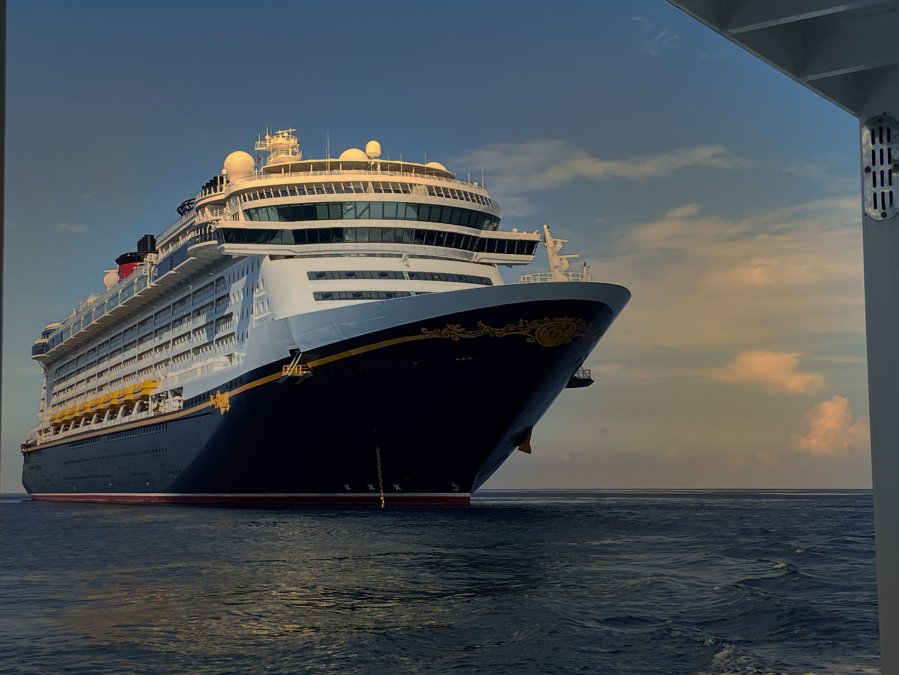
Choosing Your Landscape or Disney Print with Confidence
Confidence comes from evidence, not hope. Run the resolution math and review the available product details before ordering.
Our landscape work from Japan, Alaska, Colorado, and Michigan is available as prints and digital photos. Our Disney pictures are also available.
Check the current listings on our site for pricing. We would rather you ask twice than open a package once and wince.
Frequently Asked Questions
What resolution do you need for a sharp photo print?
Aim for 300 dpi at the final print size for close viewing, which WhiteWall identifies as a high-detail target. That means a 16 x 20 inch print needs roughly 4,800 x 6,000 pixels. Larger prints viewed from a distance can hold up at lower resolution. Resolution is one factor in photography print quality, not the only one.
How can you judge print color and detail from an online listing?
AGFA Photo lists ink, paper, color gamut, and file preparation among its print-quality criteria. Zoom product images to 100% to inspect sharpness and texture.
Does paper type affect photography print quality?
Frameology's guide includes paper-type and archival checks as part of evaluating online photo prints.
What is a test print, and when is it useful?
A test print is a small, inexpensive print made before the full-size order to check color, sharpness, and paper choice. It is most useful for large prints, dark or high-contrast images, and any order where you are unsure how the screen will translate to paper. Use it as a photo proofing step, compare it to your screen under normal room light, then order the final size.
Buying art online asks you to trust a screen you have never touched. Brian Farber Photography makes that easier by publishing the resolution, paper, and ink details behind every landscape and Disney print, so you can run each check yourself before ordering. Browse the collection, request the specs on any piece, and start with a small proof. Get started with Brian Farber Photography and put a print on your wall you will still love in ten years.
